XL Edge Guide · Confidence Ellipse
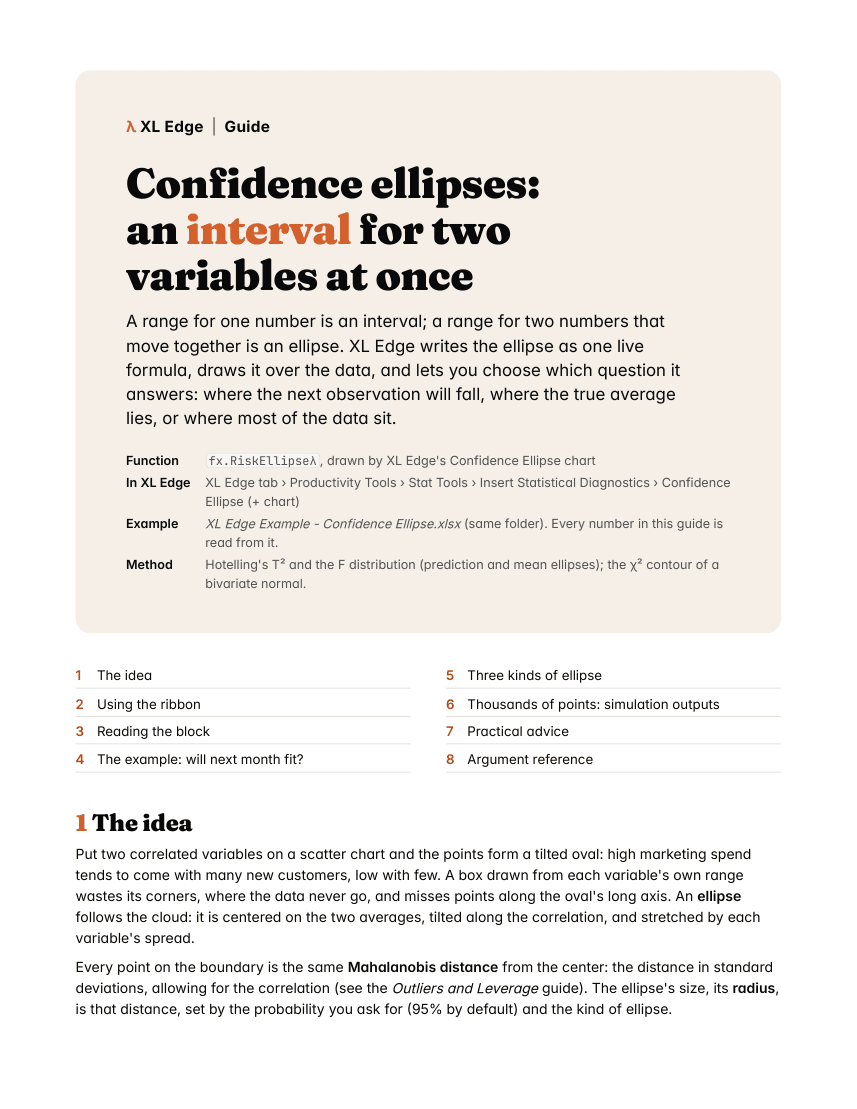
Confidence ellipses: an interval for two variables at once
A range for one number is an interval; a range for two numbers that move together is an ellipse. XL Edge writes the ellipse as one live formula, draws it over the data, and lets you choose which question it answers: where the next observation will fall, where the true average lies, or where most of the data sit.
What the guide covers
In this guide
- 1The idea
- 2Using the ribbon
- 3Reading the block
- 4The example: will next month fit?
- 5Three kinds of ellipse
- 6Thousands of points: simulation outputs
- 7Practical advice
- 8Argument reference
What it uses
- Functions
fx.RiskEllipseλ- In the ribbon
- XL Edge tab › Productivity Tools › Stat Tools › Insert Statistical Diagnostics › Confidence Ellipse (+ chart)
- Example workbook
- Simulated data with a fixed seed. Every number in the guide is read from it.
- Needs
- Excel for Microsoft 365. The workbook carries its own functions in Name Manager, so it calculates with or without XL Edge installed.
Inside
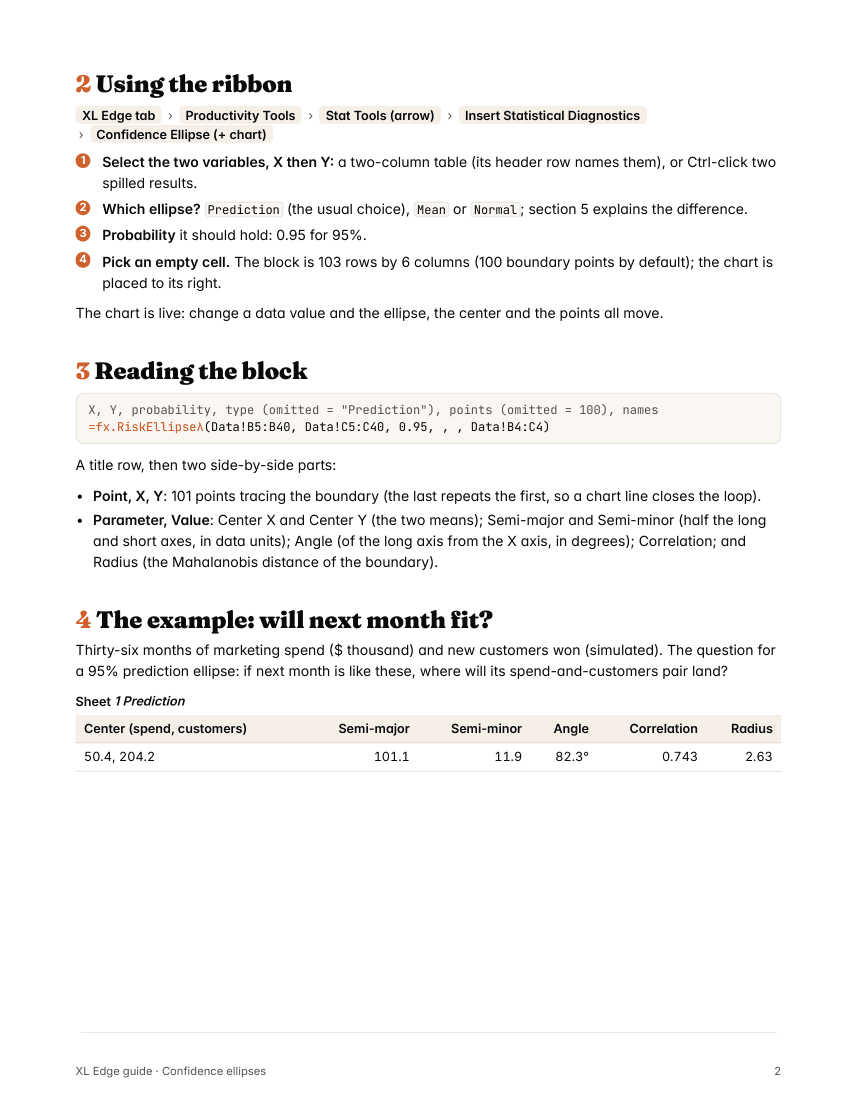
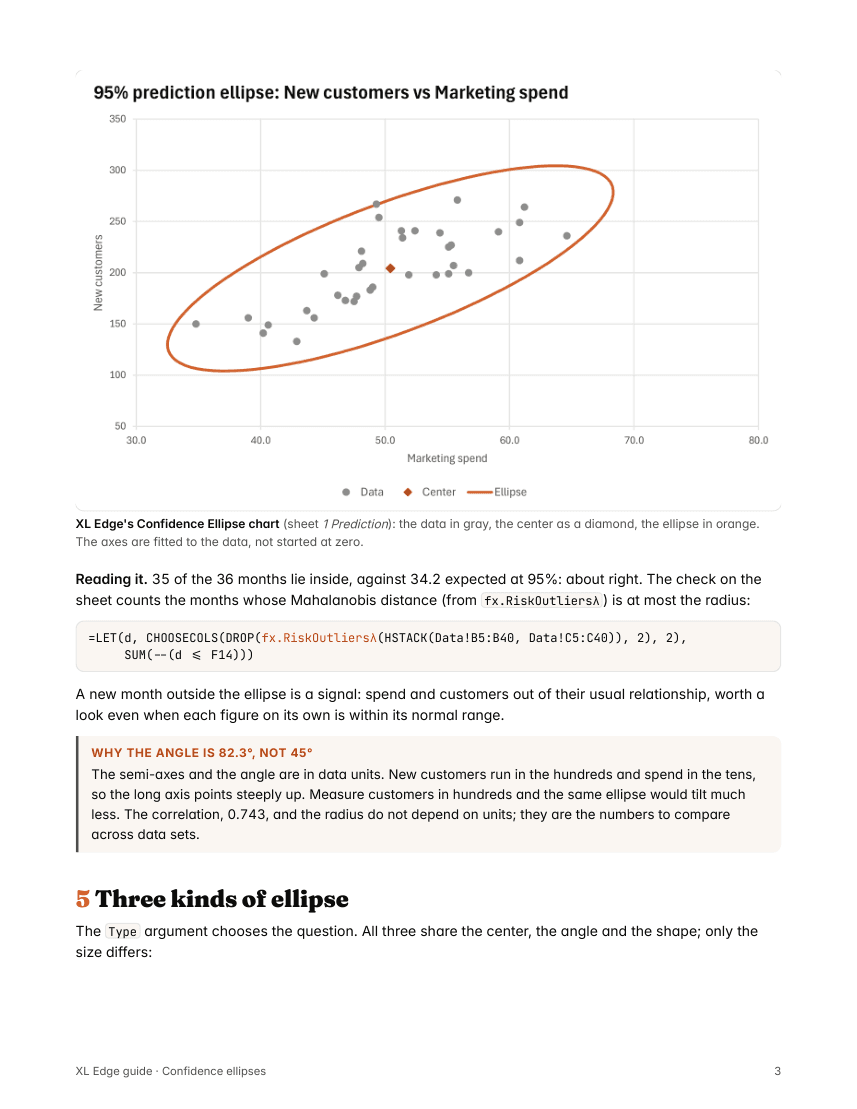
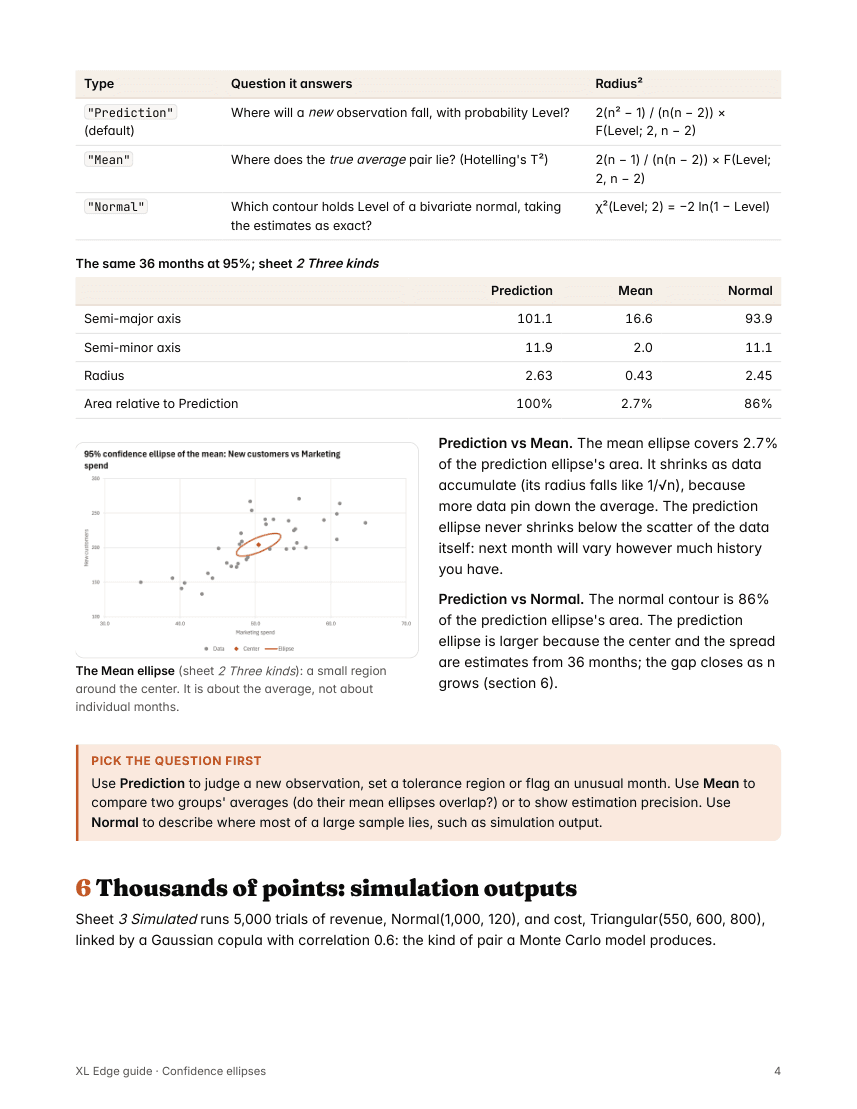
The first four pages
More XL Edge Guides
- BootstrapHow sure are your numbers?
- CopulaWhen your inputs move together
- CorrelogramReading a series' memory
- Monte CarloShould we build Plant 2?
- Multivariate Time SeriesSeries that move together: VAR and VECM
- Outliers and LeverageFinding the observations that don't fit
- PortfolioThe efficient frontier in four formulas
- SARIMAForecasting a series with a yearly rhythm